Pricing - All Cloud Hub

Simple, Honest Pricing

One plan for getting started. One plan for getting serious. No transfer or pay-as-you-go fees, no storage upsells – just your clouds, managed in one place.

Free

For individuals who want to stop switching between accounts. Connect up to 3 cloud drives and move files between them without downloading anything.

$0 Start Managing Your Clouds
  • FilesVerse (Unified Dashboard)
  • FilesVerse Search (Search across cloud drives)
  • Up to 3 Cloud Accounts
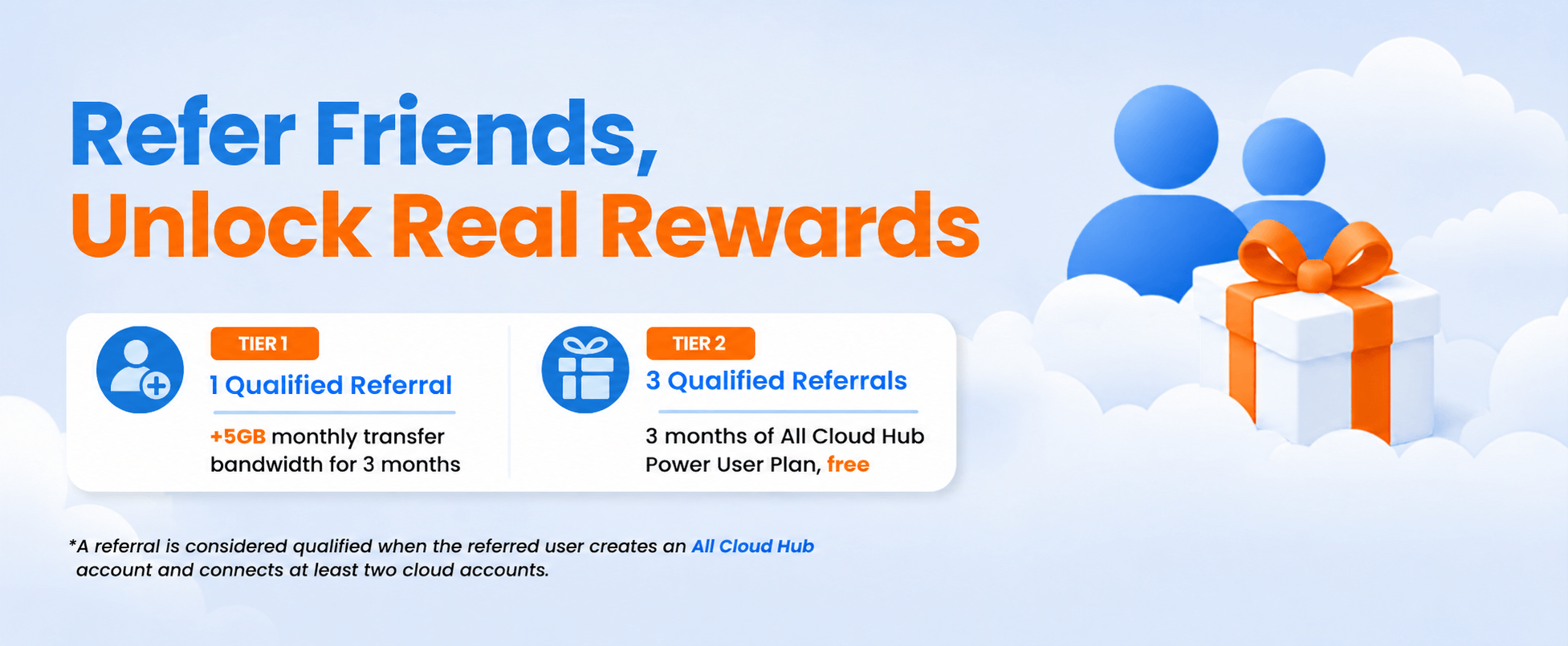
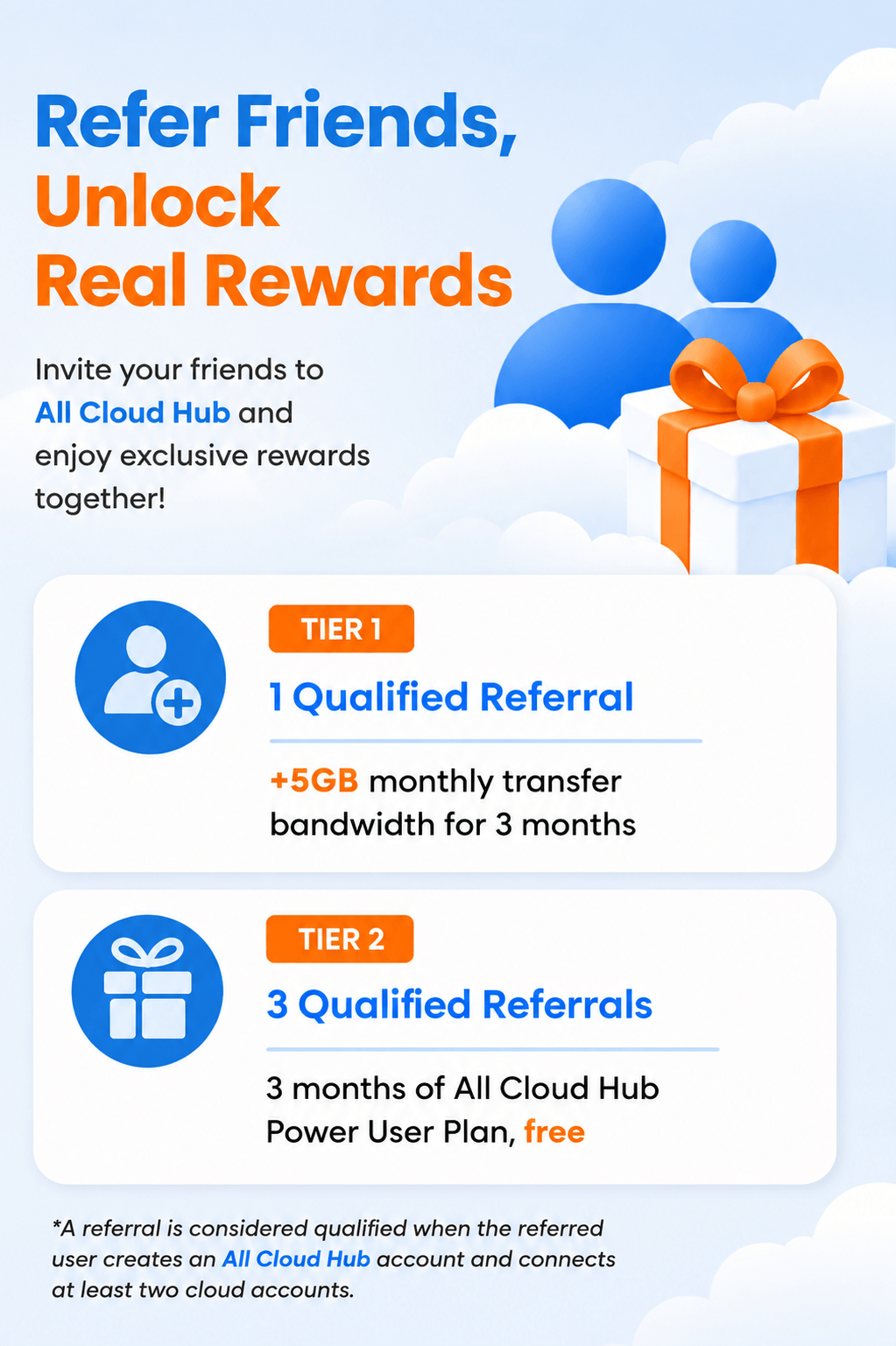
  • Transfer Upto 5 GB/month
  • Drag & Drop File Moves
  • Manual Folder Sync
  • Recent Files
  • Standard Cloud-to-Cloud Transfer Speed
  • Email Support
  • Ideal for Personal Use
Most Popular

Power User

For people who live in the cloud. Unlimited accounts, automatic folder sync, faster transfers, and priority support – everything you need to run a serious multi-cloud setup.

$9 ~ $4 /month (Billed annually)
Upgrade To Power User

Everything in Free +

  • Unlimited Cloud Accounts
  • Transfer Upto 100 GB/month
  • FilesVerse (Unified Dashboard)
  • FilesVerse Search (Search across cloud drives)
  • Drag & Drop File Moves
  • Automatic Folder Sync
  • Recent Files
  • Smarter File Distribution
  • Fast Cloud-to-Cloud Transfer Speed
  • Priority Support
  • Power Users & Large File Migrations

We have completed CASA verification (Tier 2) for the Google API Services program, assessed by TAC Security as an independent auditor, providing assurance that Google Drive data is handled with strong controls.

Free for up to 3 accounts

Google Certified (CASA)

1-Minute Onboarding

Free for up to 3 accounts

Google Certified (CASA)

1-Minute Onboarding

Questions About Pricing

Clear answers on what’s included, what changes when you upgrade, and how billing works.

What’s the difference between the Free and Power User plan?

The Free plan covers the essentials: connect up to 3 cloud accounts, move files between them, and search across drives. The Power User plan removes the 3-account limit, adds automatic folder sync (instead of manual), faster transfer speeds, smarter file distribution, and priority support. It’s built for people managing more clouds, more files, or more complex setups.

Is there a free trial for the Power User plan?

The Free plan itself is permanent, not a trial. You can use it indefinitely at no cost. If you decide to upgrade, you’ll move to Power User billing immediately. There’s no time-limited trial period, but you can downgrade back to Free at any time from your dashboard.

What does “Up to 3 Cloud Accounts” mean on the Free plan?

You can connect any combination of 3 accounts across the supported providers: Google Drive, Google Photos, OneDrive, Dropbox, and pCloud. For example: 1 Google Drive + 1 Dropbox + 1 OneDrive. The Power User plan removes this limit entirely.

Is there a data transfer limit?

Yes. Free users can transfer up to 5GB per month between clouds. Power Users get 100GB per month. The limit resets monthly. If you need to move more in a single month, for a large migration, for example, upgrading before you start is the cleanest approach.

What does “Smarter File Distribution” mean on the Power User plan?

Before you transfer, All Cloud Hub checks the available storage across all your connected drives and recommends the best destination based on your file size. It won’t automatically split or distribute files – it just makes sure you’re not sending a large transfer somewhere that doesn’t have room for it.

Can I cancel or change my plan at any time?

Yes. You can upgrade, downgrade, or cancel directly from your account dashboard, no support ticket required. If you downgrade mid-cycle, you keep Power User access until the end of your current billing period.