


Everything You Need to Know About All Cloud Hub
Discover everything you need to know about All Cloud Hub, from cloud storage management and file transfers to backups, search,…
 Google to OneDrive
Move files from Google Drive to OneDrive
Google to OneDrive
Move files from Google Drive to OneDrive
 Dropbox to pCloud
Transfer files from Dropbox to pCloud
Dropbox to pCloud
Transfer files from Dropbox to pCloud
 Old OneDrive to New OneDrive
Migrate data to a new OneDrive account
Old OneDrive to New OneDrive
Migrate data to a new OneDrive account
 Old Dropbox to New Dropbox
Move files between Dropbox accounts
View All Transfer Guides
Old Dropbox to New Dropbox
Move files between Dropbox accounts
View All Transfer Guides
Connect Google Drive, OneDrive, Dropbox, iCloud, Google Photos and more.
Google to OneDrive
Move files from Google Drive to OneDrive
Dropbox to pCloud
Transfer files from Dropbox to pCloud
Old OneDrive to New OneDrive
Migrate data to a new OneDrive account
Old Dropbox to New Dropbox
Move files between Dropbox accounts
View All Transfer Guides
Connect Google Drive, OneDrive, Dropbox, iCloud, Google Photos and more.

Whether you are managing personal files or client projects, All Cloud Hub helps you stay organized without any clutter.

Cloud Services

Local Storage Used for Transfers

To Download










Move or copy files between supported cloud services without saving anything to your device. Transfer files from Dropbox to Google Drive, OneDrive to pCloud, and other supported cloud combinations in just a few steps.

Schedule file transfers from your connected cloud accounts, and keep your cloud storage organized without manual work.

Bring multiple cloud accounts together and make better use of available storage without paying for upgrades.

Transfer photos and videos directly to Google Photos from your other connected cloud accounts. No detours, no extra steps.


Connect your drives, access all your cloud accounts, and let Smart Distribution recommend the best place for new uploads.
Organize, browse, and manage files across multiple storage services from one dashboard.
Access and manage all your cloud files from one place instead of jumping between different apps.
Transfer files directly between cloud services without saving anything to your device.
Connect your drives, access all your cloud accounts, and let Smart Distribution recommend the best place for new uploads.
Organize, browse, and manage files across multiple storage services from one dashboard.
Access and manage all your cloud files from one place instead of jumping between different apps.
Transfer files directly between cloud services without saving anything to your device.
No complicated setup. No configuration headaches. Just connect and go.
Sign up with any email, including Google and Apple.
Add your desired cloud accounts in just a few clicks.
Search, organize, transfer, and sync files across all connected clouds


Free to download. No credit card. Set up in just 1 minute.


Practical guides on cloud storage management, file transfers and multi-cloud workflows.
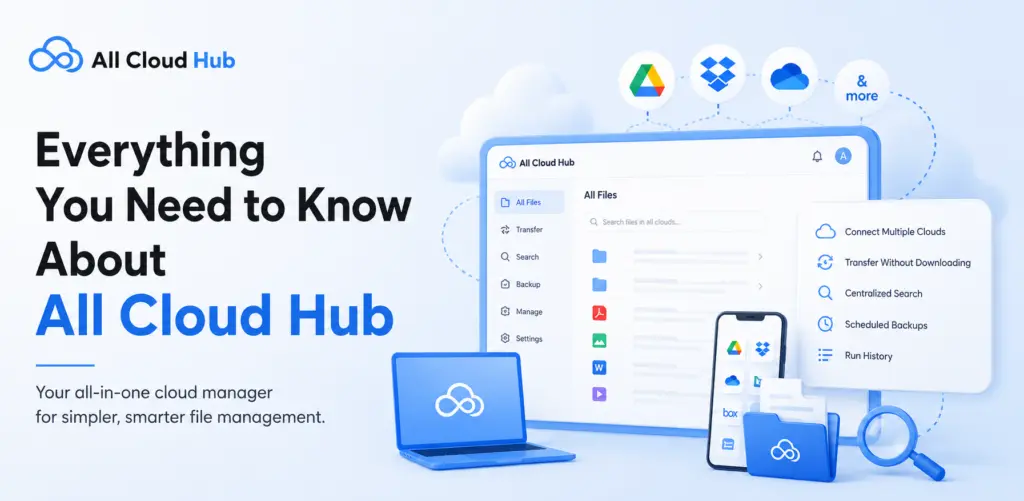
Discover everything you need to know about All Cloud Hub, from cloud storage management and file transfers to backups, search,…
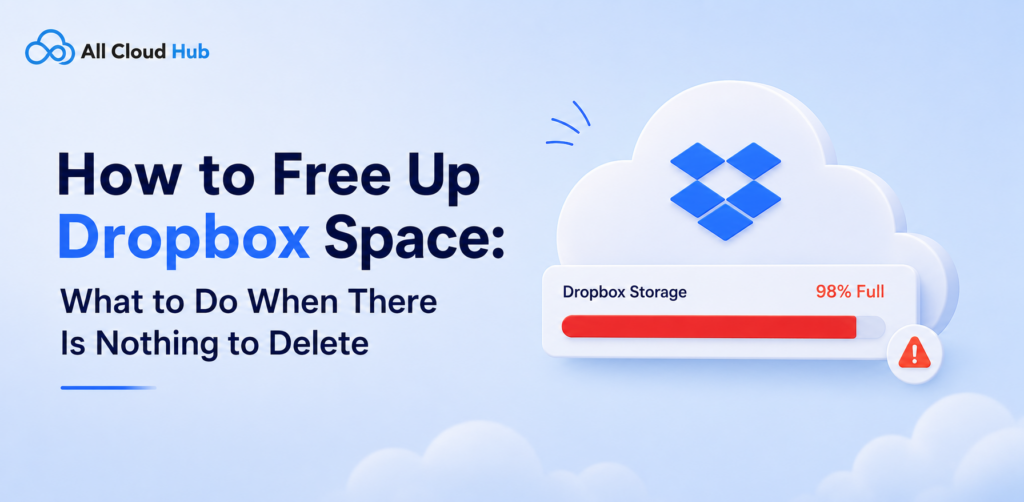
Dropbox storage full? Free up space by removing hidden backups, shared folders, cache, and deleted files.

Fix OneDrive storage full errors with simple tips to free up space and manage cloud storage efficiently
Everything you need to know about managing, transferring and securing your files across cloud drives.
No. All Cloud Hub never stores, caches, or copies your files. Transfers happen directly between your connected cloud storage providers – Google Drive, Google Photos, OneDrive, Dropbox, pCloud and iCloud Photos. Your data stays entirely within your own cloud accounts at all times.
Yes. All Cloud Hub transfers files directly from one cloud to another without routing them through your device or through All Cloud Hub’s servers. Nothing downloads to your computer. This makes large file migrations fast and efficient even on slower connections.
All Cloud Hub currently supports Google Drive, Google Photos, OneDrive, Dropbox and pCloud. On the Free plan you can connect up to 3 accounts. The Power User plan removes that limit entirely.
Yes. Free users can transfer up to 5GB per month. Power Users get 100GB per month. If you need to move more, upgrading is straightforward from your dashboard
All Cloud Hub uses stable OAuth 2.0 connections that don’t drop or require frequent re-authentication. Your files are never stored on All Cloud Hub’s servers. All Cloud Hub also supports 2FA, which MultCloud does not.
Very secure. All Cloud Hub uses OAuth 2.0 authentication – your passwords are never stored or exposed. All Cloud Hub has also completed CASA Tier 2 verification for the Google API Services program, assessed by TAC Security as an independent auditor.
Yes, on the Power User plan. All Cloud Hub uses official webhooks from Google, Dropbox, OneDrive and pCloud to detect changes and sync them near-instantly between accounts. Free plan users can run manual syncs.
Yes. You can set up a backup from one cloud drive to another. Once started, it runs in the background. You don’t need to stay online or keep the tab open for the transfer to complete.
A Virtual Folder is a grouped view of files from different cloud drives, shown together in one place without moving the files themselves. Each cloud account keeps its own storage. Virtual Folders let you organise files by project or client across multiple drives without changing where anything is stored.
Not yet. All Cloud Hub is currently designed for individual use. Team collaboration features are on the roadmap and will be announced when ready.
Yes. You can sign in to both the All Cloud Hub mobile app and the web app using the same account. Your connected cloud accounts, files, and workspace stay synchronized, so you can switch between your phone and browser without setting everything up again.
If you want to upgrade to Power User plan, you need to visit All Cloud Hub official site, sign in to your account, and select the “Upgrade” option besides your profile icon.
Yes, All Cloud Hub is free to download for both Android and iOS. If you need higher transfer limits or advanced features, you can upgrade to the Power User plan at any time.
Yes. You can change your plan at any time directly from your account dashboard — no complicated cancellation process.