



Are My Files Safe in Cloud Storage? What You Need to Know About Cloud Storage Privacy
- Last Updated on 24 July 2026
- 13 Min Read
- Posted on May 13, 2026
The numbers around cloud storage adoption are striking. According to Statista, the global cloud storage market is projected to reach over $390 billion by 2028, with billions of users storing personal and professional data on remote servers every single day. People upload files to cloud storage without a second thought, photos, documents, work files, and personal records, all synced and stored on servers managed by companies like Google, Microsoft, and Dropbox.
But here is a question worth pausing on: how secure is your data when it’s stored in the cloud, and who can actually access it?
The answer is more nuanced than most people expect. Cloud storage is not a sealed vault. Depending on the provider you use and the encryption methods in place, your files may be more visible than you realize, not just to hackers, but to the providers themselves.
This guide breaks down what cloud storage providers can actually see about your files, what risks exist, and what you can do to genuinely protect your privacy.
What Cloud Storage Privacy Actually Means
Cloud storage privacy refers to how well your data is protected from unauthorized access, including access by the cloud provider itself. It is not just about keeping hackers out. It is about understanding who holds the keys to your data and what they can do with it.
At the core of cloud storage security are a few important concepts worth understanding before anything else.
- End-to-End Encryption (E2EE): Your data is encrypted on your device before it is uploaded, and only you hold the decryption key. The provider receives only scrambled data it cannot read.
- Zero-Knowledge Encryption: A stronger form of E2EE where the provider has no access to your encryption keys whatsoever. They cannot decrypt your files even if they wanted to, or were legally required to.
- Client-Side Encryption: Your files are encrypted locally on your device before they ever reach the cloud. This is widely considered the most secure approach because the provider never handles unencrypted data at any point.
Understanding these distinctions is the starting point for understanding cloud data protection and data privacy in any meaningful way. Without knowing which of these a provider uses, you cannot accurately assess how private your files actually are.
What Cloud Apps Can Actually See About Your Files
This is where things get uncomfortable for many users.
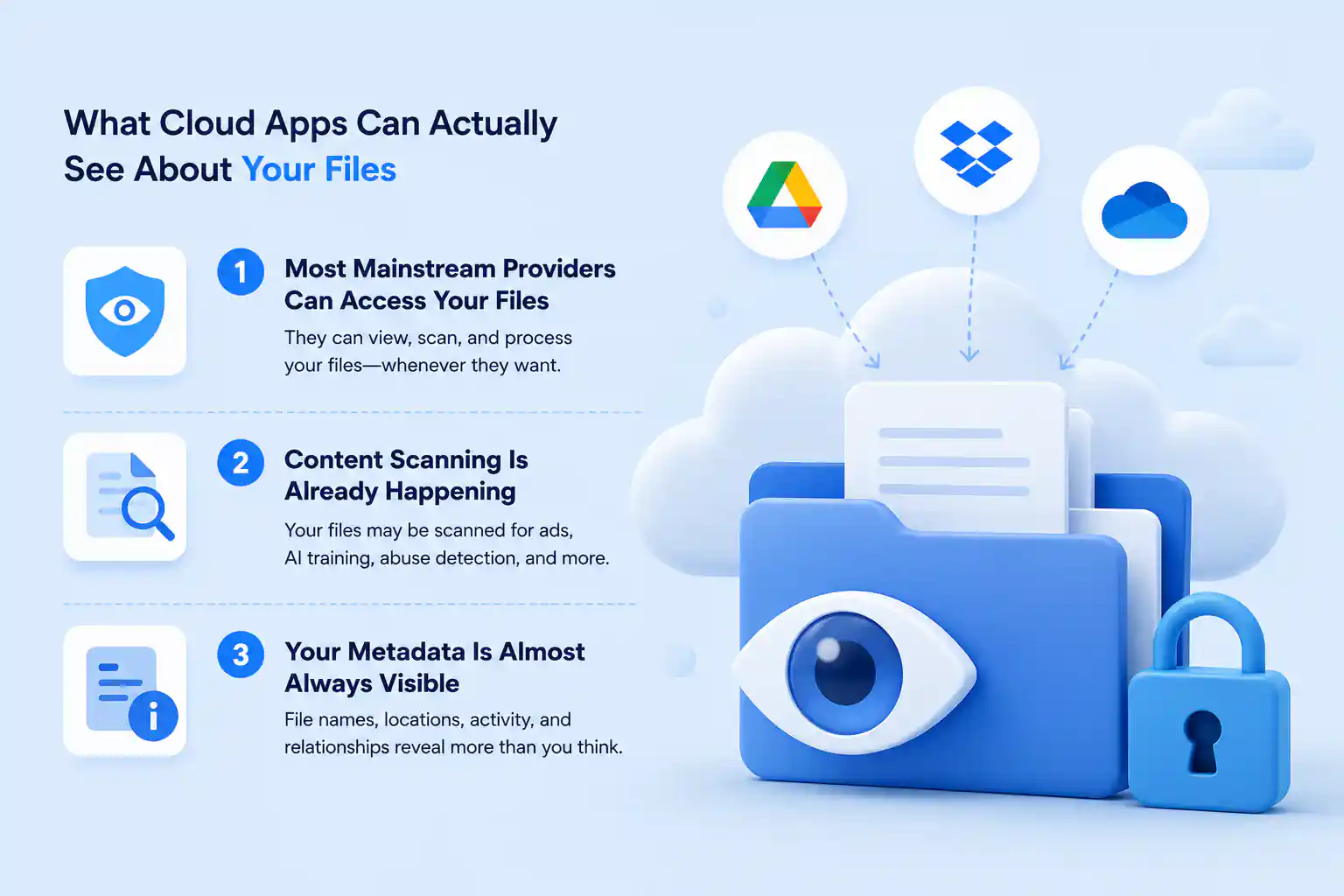
1. Most Mainstream Providers Can Access Your Files
Popular services like Google Drive, Microsoft OneDrive, and Dropbox use encryption, but they manage the encryption keys themselves. Many traditional cloud storage services retain the ability to decrypt and scan your files, meaning they can technically access your data for analytics or legal compliance purposes.
This means that when you upload a file to one of these platforms, the provider can, in principle, read what is in that file. Encryption protects your data from outside attackers, but it does not protect it from the provider itself.
In many cloud storage setups the provider controls both the infrastructure and the encryption keys, meaning they could technically access your files even if they do not do so routinely.
If you are evaluating “are your files secure in cloud storage?” this is the most important distinction to understand. Standard encryption and zero-knowledge encryption are fundamentally different things, and most mainstream services offer only the former.
2. Content Scanning Is Already Happening
Even when your files are encrypted in transit or at rest, some cloud apps can still scan the contents because they control the encryption keys. Companies may scan file content to support internal analytics, and these practices are not always transparent to the user.
Services that offer rich collaboration features, such as search indexing, document previews, and real-time sharing, require the provider to read your file metadata and sometimes content structure. A cloud service’s ability to search inside your documents, for example, only works because the provider can access the content of those documents.
3. Your Metadata Is Almost Always Visible
Even with providers that offer stronger encryption, your metadata is rarely fully protected. Metadata includes file names, sizes, timestamps, folder structures, and access records. Cloud providers generate and store metadata as part of managing your environment, and this metadata remains visible to them even when file contents are encrypted.
As noted in research from TechRadar, even services that encrypt file content end-to-end still maintain visibility of metadata required to manage sharing permissions, sync states, and collaboration features. This means a provider may not be able to read your files but can still see what kinds of files you have, how large they are, when you created or modified them, and how frequently you access them.
The Legal Dimension: When Providers Are Forced to Hand Over Your Data
Cloud storage security is not only a technical question. It is also a legal one, and this layer often gets overlooked entirely.
US-based providers like Google and Microsoft must comply with laws such as the US Cloud Act, which can compel them to turn over user data to government authorities. Because these providers hold your encryption keys, they can hand over decrypted, readable files if required by law, regardless of what their privacy policy says.
As Cubbit points out, even if a cloud app claims to protect your files, it can still be compelled by law to hand over decrypted user data to authorities because it holds the keys. This is a risk that many users do not consider when thinking about cloud storage privacy.
The physical location of your provider matters significantly here. Providers headquartered in countries with strong independent privacy legislation, such as Switzerland, where Proton Drive operates, function under different legal frameworks and may offer stronger protections against government-compelled disclosure than US-based alternatives.
Cloud Storage Privacy and Security Risks to Be Aware Of
Beyond provider access and legal requests, several other risks affect how private and secure your files actually are in cloud storage.
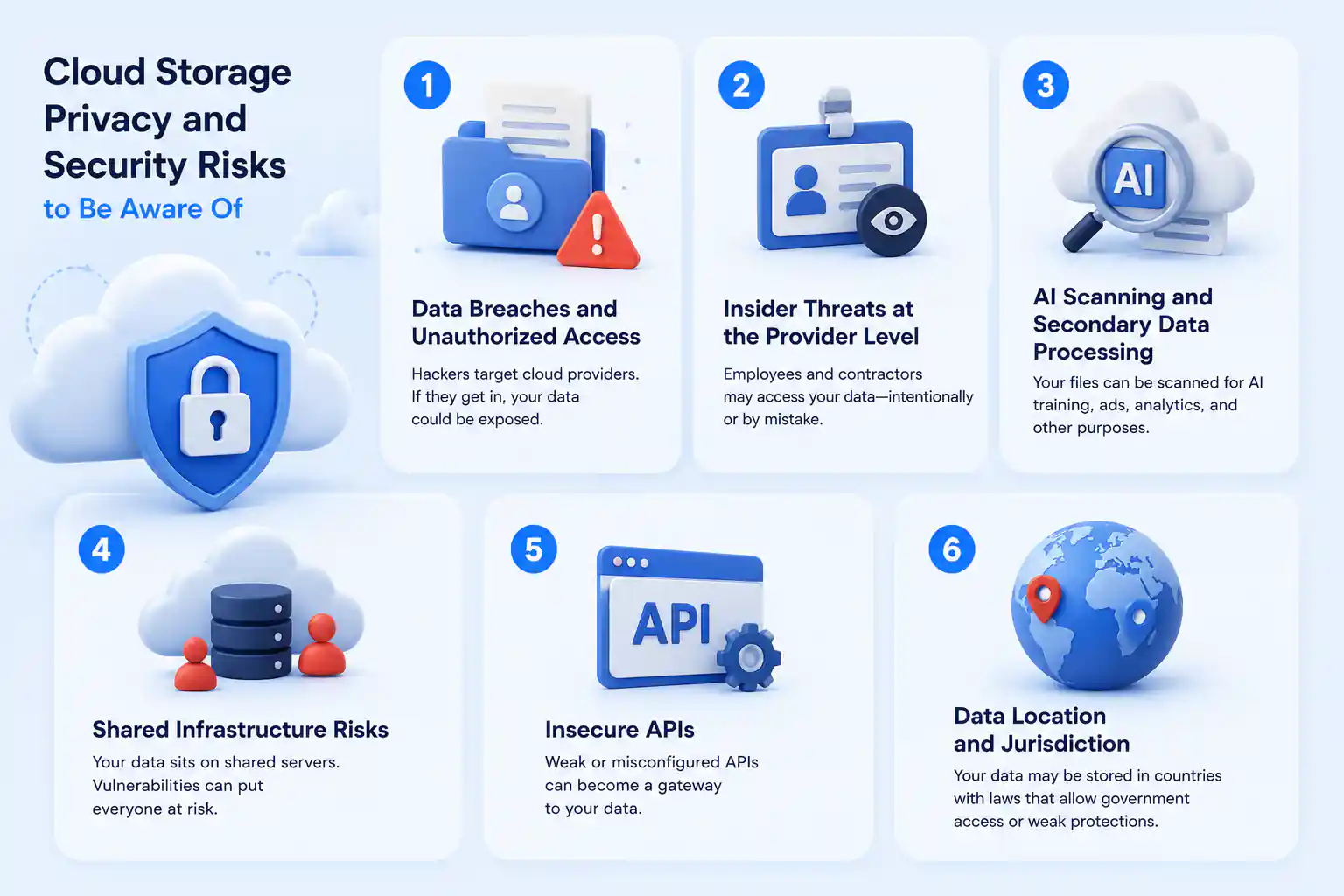
1. Data Breaches and Unauthorized Access
Sensitive data stored on third-party servers is a target for attackers. Weak passwords, unpatched vulnerabilities, and poorly configured access controls can all lead to unauthorized access. As GeeksforGeeks explains in its overview of cloud security issues, a breach of cloud security can lead to unauthorized access, data leaks, or complete data loss if credentials are compromised or safeguards are not strong enough.
This is also relevant when you move files between platforms. If you regularly sync OneDrive and Dropbox or use multiple cloud services simultaneously, the number of access points increases, which makes strong account security across all platforms more important.
2. Insider Threats at the Provider Level
Employees and service personnel at cloud providers with privileged access can represent a meaningful privacy risk. Cloud storage is not a black box, and cloud operators or insiders may technically have tools or privileges that allow them to view stored data, particularly during maintenance or troubleshooting processes, unless zero-knowledge encryption is in place.
3. AI Scanning and Secondary Data Processing
Some cloud services use artificial intelligence to organize, tag, or analyze your files. This can involve creating secondary data representations outside your direct control. If you have not reviewed your provider’s settings and disabled these features where possible, your files may be processed in ways you did not anticipate or consent to.
4. Shared Infrastructure Risks
Cloud platforms use shared physical resources across many users. While virtualization and segmentation provide separation between accounts, Nabco IT explains that misconfigured isolation settings can expose aspects of file storage or metadata beyond what a user would expect. This is a risk that is largely outside the user’s control and depends entirely on how well the provider manages its infrastructure.
5. Insecure APIs
Cloud services rely on APIs to function, and if these interfaces are not properly secured, attackers can exploit them to access, alter, or extract file contents. APIs often serve as entry points that attackers use to reach data that would otherwise be protected by standard access controls.
6. Data Location and Jurisdiction
Cloud providers often store files on servers distributed across multiple countries. The laws governing your data depend on where those servers are physically located, not just where you live. This affects your rights, your ability to contest access requests, and the level of legal protection your data receives in practice.
How to Protect Your Cloud Storage Privacy
Understanding the risks is one part of the picture. Knowing what to actually do about them is the other.
1. Choose a Provider That Uses Zero-Knowledge Encryption
Not all cloud storage services handle privacy the same way. Services like Proton Drive, Internxt, Filen, and Sync.com offer end-to-end or zero-knowledge encryption, which means the provider cannot access your file contents even if legally compelled to do so. Reviewing a comparison of secure cloud storage providers can help you identify which services offer genuine zero-knowledge encryption versus standard encryption where the provider retains the keys.
2. Add Client-Side Encryption to Your Existing Setup
If you prefer to continue using a mainstream provider, you can add a meaningful layer of protection by encrypting files locally before uploading them. Tools like Cryptomator encrypt your files on your device before they reach the cloud, so the provider only ever stores data it cannot read, regardless of what encryption it applies on its own end.
3. Strengthen Account Security
Use strong, unique passwords for every cloud account and enable multi-factor authentication wherever available. Account hijacking is one of the most common ways unauthorized parties gain access to stored files, and strong authentication significantly reduces that risk.
4. Centralize Access Securely
If you use multiple cloud services, managing numerous login credentials and security settings can become a liability. Consider using a secure cloud manager to streamline access without creating new vulnerabilities. All Cloud Hub is a unified cloud storage management platform designed specifically for users who juggle multiple accounts, such as freelancers, agencies, and small businesses.
Unlike storage providers that hold your files on their servers, All Cloud Hub functions strictly as a secure dashboard. It connects to your existing Google Drive, Dropbox, OneDrive, and other accounts via OAuth 2.0 authentication, meaning your files remain in their original encrypted locations. The platform never stores your file data on its own infrastructure, which eliminates an entire category of privacy risk associated with third-party hosting.
Using a management layer like this allows you to maintain cloud storage privacy standards while simplifying your workflow, ensuring that convenience does not come at the cost of exposing your data to additional parties.
5. Read Your Provider’s Privacy Policy Carefully
Understand what your provider actually says about data handling, content scanning, AI features, and how it responds to legal requests. If AI-powered organization or analysis features concern you, check whether they can be turned off.
6. Think Carefully About Backups
Cloud storage and cloud backup are not the same thing, and understanding the importance of cloud storage for backup helps you make better decisions about where sensitive files should live. Not every cloud storage service is designed with backup durability and recovery in mind, and treating them as interchangeable can leave you exposed.
7. Consider the Provider’s Country of Operation
If data sovereignty is a priority for you, providers headquartered in countries with robust privacy frameworks offer different and often stronger protections than those based in the United States. This is worth factoring into your choice of cloud manager or storage platform from the outset.
Managing Files Across Multiple Cloud Platforms
Many people use more than one cloud service at the same time, Google Drive for work, Dropbox for personal files, and OneDrive for Microsoft documents. Managing files across multiple platforms introduces its own set of privacy considerations, particularly around how data moves between services and what access those transfer processes require.
If you need to migrate files between drives without downloading them, it is worth understanding what happens to your data during that process and whether the tools facilitating the transfer have access to your file contents along the way.
If your current provider does not meet your privacy expectations after reviewing all of this, there are well-established cloud storage alternatives that may better align with your security and privacy requirements without sacrificing usability.
The Bottom Line
Cloud storage is convenient and widely used, and it is generally effective at protecting your files from outside attackers. But cloud storage security does not automatically translate to cloud storage privacy.
Most mainstream providers can technically access your files because they control the encryption keys. They maintain visibility into your file metadata, may scan content for feature or analytics purposes, and can hand over decrypted data in response to legal requests.
If you want genuine privacy in cloud storage, the most reliable path is choosing a provider that uses zero-knowledge encryption or encrypting your files locally before they reach the cloud. Either approach ensures that what the provider stores is data it cannot read, regardless of what it is asked to do with it.
And if you are managing files across multiple cloud platforms, using a secure multi-cloud management tool like All Cloud Hub can help you maintain control and reduce exposure without adding unnecessary complexity or risk.
The cloud is a powerful and practical tool for storing and managing files. Understanding what it can and cannot protect is what allows you to use it on your own terms.
Frequently Asked Questions
- Is cloud storage private and secure?
Cloud storage is generally secure against outside attackers, but not automatically private. Most mainstream providers encrypt your data, but because they manage the encryption keys themselves, they retain the technical ability to access your files. True privacy depends on whether your provider uses zero-knowledge encryption, where only you hold the decryption keys and the provider cannot read your files under any circumstance.
2. Can hackers access cloud storage?
Yes, hackers can access cloud storage under certain conditions. The most common routes include account hijacking through stolen credentials, phishing attacks, and exploitation of insecure APIs. Weak passwords and the lack of multi-factor authentication are the most frequent reasons cloud accounts get compromised. Using strong unique passwords and enabling multi-factor authentication significantly reduces this risk.
3. Can anyone see your cloud storage?
Three groups can potentially see your files. The cloud provider itself, if it manages your encryption keys. Government authorities, who can legally compel providers to hand over your data. And unauthorized individuals, if your account is compromised. Using a zero-knowledge encryption provider is the most reliable way to limit visibility across all three groups.
4. What are the top 3 cloud security risks?
The three most significant risks are weak authentication and account hijacking, where stolen credentials give attackers full access to your files. Provider-side access and legal disclosure, where providers can access or hand over your files because they hold your encryption keys. And misconfiguration vulnerabilities, where improperly set up storage or insufficient isolation between shared infrastructure can expose your data unexpectedly.
5. What are 5 disadvantages of cloud storage?
Limited privacy from the provider, as most services can technically access your files because they manage encryption keys. Dependence on internet connectivity, meaning your files become inaccessible during outages. Vulnerability to legal access requests, where authorities can compel providers to disclose your data. Ongoing subscription costs, which add up over time, unlike a one-time local storage purchase. And shared infrastructure risks, where misconfigured systems could expose your metadata or file information to unintended parties.