Supported Transfer Types (File, Folder, Bulk)
- Posted on January 2, 2026
- 3 Min Read
- Last Updated on 27 July 2026
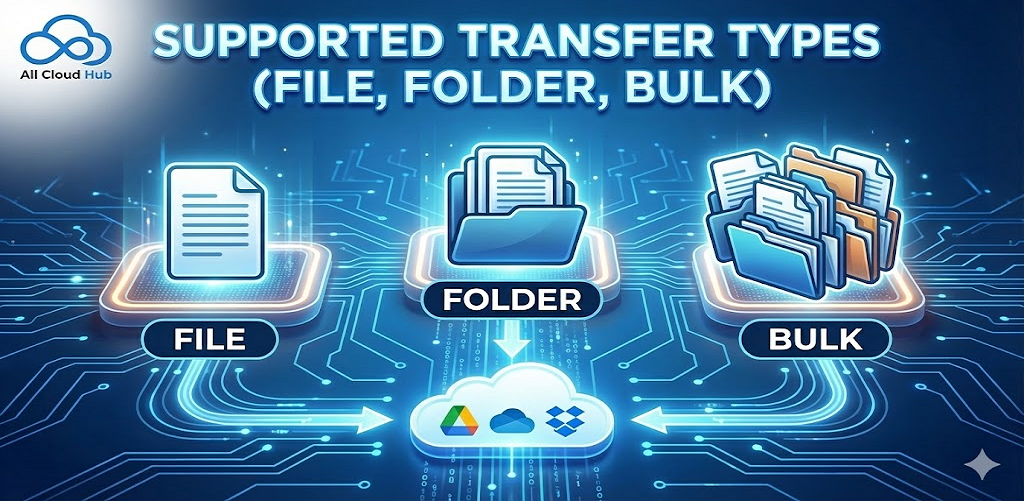
All Cloud Hub supports multiple transfer types so you can move files in the way that best fits your workflow.
Individual File Transfers
You can transfer individual files between supported cloud storage accounts.
This is useful for documents, images, or single items that need to be shared or relocated.
Folder Transfers
You can transfer entire folders, including their contents and structure.
Subfolders and files inside the selected folder are transferred together.
Bulk Transfers
You can select multiple files and folders at the same time and transfer them in one action.
This is helpful when moving groups of files or reorganizing content across supported clouds.
Note
Bulk transfers follow the same copy or move rules as single file transfers.
In Summary
All Cloud Hub supports file, folder, and bulk transfers, giving you flexibility to move content across supported cloud storage accounts efficiently.
Next: What Happens During a Transfer.