Notifications & Preferences
- Posted on January 2, 2026
- 1 Min Read
- Last Updated on 11 February 2026
All Cloud Hub keeps settings and preferences simple so you can focus on managing files.
Notifications
At present, All Cloud Hub does not expose detailed notification preferences in the Profile section.
System messages and status updates are shown directly in the interface when relevant, such as during file transfers or connection issues.
Note
Notification options may expand in the future as more features are added.
Preferences
Preferences related to file handling and connected services appear under the Settings area of the Profile page.
These settings control how All Cloud Hub behaves for your account.
Smart File Distribution
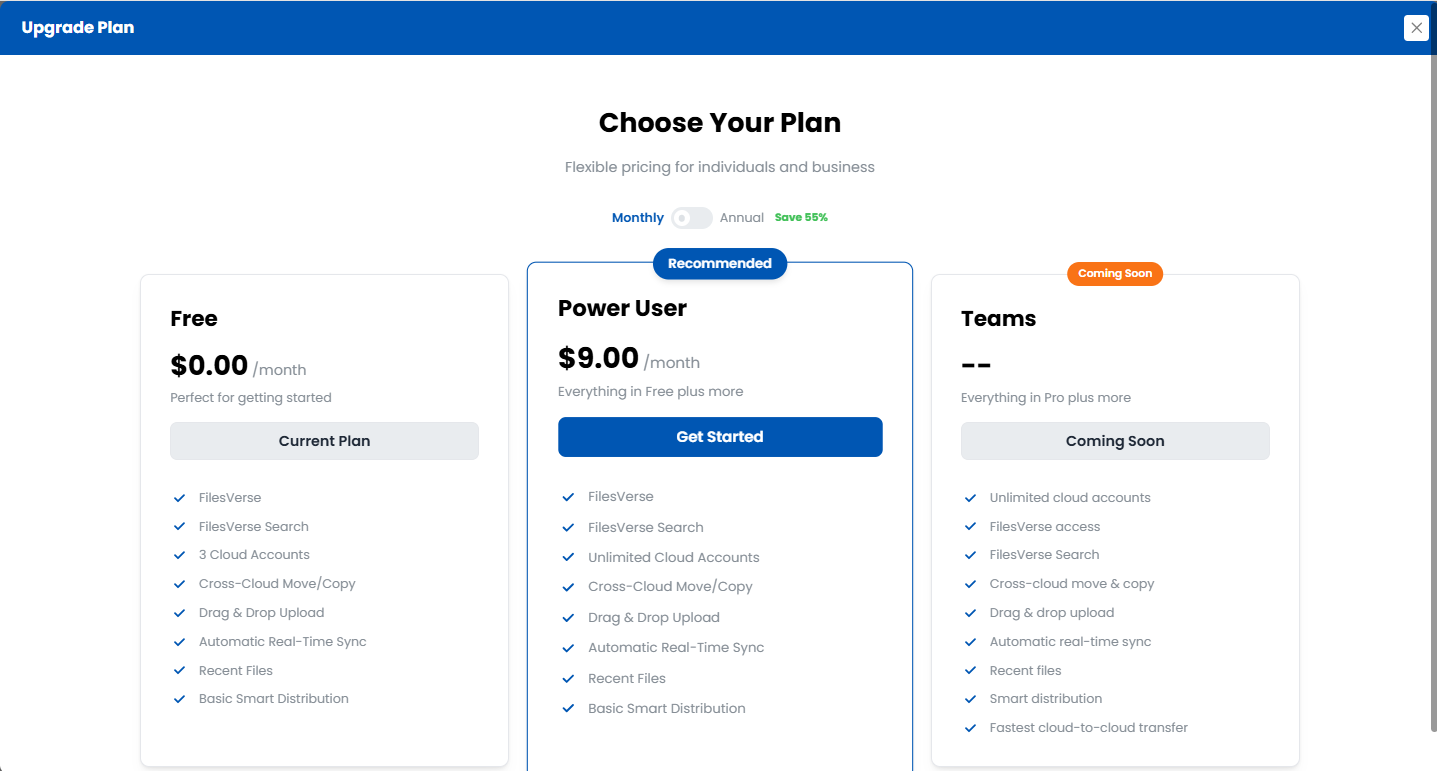
The Smart File Distribution section describes an advanced feature that automatically routes uploaded files to connected cloud storage accounts based on available space.
If this feature is not enabled for your account, you will see an option to upgrade to access it.
In Summary
Preferences and advanced features are managed from the Profile page, with clear indicators when a feature is not yet enabled.
Next: Deleting Your Account.