Best MultCloud Alternatives in 2026: Free, No Data Cap & Secure Options Compared
- Posted on April 30, 2026
- 17 Min Read
- Last Updated on 02 September 2026
If you’ve hit MultCloud’s 5GB monthly data cap mid-migration, you already know the problem. You’re trying to move a 60GB Dropbox library to Google Drive, and the math is brutal: at 5GB per month on the free plan, that single transfer takes a full year.
Talking about security also, according to a 2026 cloud security report, 88% of organizations now operate in hybrid or multi-cloud environments, meaning their data is spread across multiple platforms.
That’s not a workflow, that’s a waiting game.
This post covers the real alternatives: consumer and SMB cloud storage managers that handle Google Drive, OneDrive, and Dropbox. It deliberately excludes enterprise Managed File Transfer platforms like GoAnywhere, MOVEit, or Terraform, those tools solve a completely different problem at a completely different price point, and recommending them here would waste your time.
What you’ll find below that most comparison posts skip entirely: a security layer. Specifically, where each tool stores your OAuth authorization tokens, a question that matters more than most listicles acknowledge. Each section is organized by the job you’re actually trying to do, so you can get to the right tool without reading every entry.
What Makes a Good MultCloud Alternative? (Our Evaluation Criteria)
Before any tool gets a recommendation here, it has to clear a basic threshold on six dimensions. Here’s exactly what was evaluated and why each criterion made the cut.
- Data transfer limits: both free and paid tiers. The data cap is the primary reason people search for cloud storage alternatives. Any tool that doesn’t address this is barely an alternative.
- Core cloud service support: minimum coverage of Google Drive, iCloud, OneDrive, and Dropbox. If a tool doesn’t handle these, it’s only a partial replacement for most users.
- Security model: specifically, encryption in transit, where OAuth tokens are stored (on the tool’s servers vs. locally on your device), and whether 2FA is available.
- Interface type: web/browser vs. desktop app. MultCloud is web-only. Some users want exactly that; others want something that integrates with their file system. The right answer depends on how you work.
- Pricing transparency: free plans with honest caveats, paid plan costs that aren’t buried in a sales conversation.
- Genuine usability for non-technical users: a command-line tool that requires scripting knowledge isn’t a realistic recommendation for a small business owner. Those tools are included for the right audience, clearly labelled.
Why People Look for MultCloud Alternatives
MultCloud is a useful tool which gets the task of handling many everyday tasks pretty well. However, as users start relying on multiple cloud platforms for work, business, or personal storage, their expectations naturally grow.
One of the biggest reasons people begin exploring MultCloud alternatives is the need for a more complete cloud management experience. They are looking for a solution that allows them to manage multiple storage accounts every day, working with larger file collections, scheduling recurring tasks, and organizing files across different services from a single place.
As cloud storage continues to become a central part of daily workflows, users are no longer looking for a tool that only transfers files between services. They want a platform that helps them manage, organize, automate, and access all of their cloud storage accounts from one place with minimal effort.
Flexibility is also a factor people look for. Many users prefer having access to both web and mobile experiences, allowing them to work with their cloud storage in the environment they find most convenient.
Best MultCloud Alternatives in 2026 – Compared at a Glance
The comparison below highlights the leading alternatives in 2026, making it easier to evaluate their strengths, supported cloud providers, key capabilities, and ideal use cases at a glance.
| Feature | All Cloud Hub | cloudHQ | Air Explorer | Rclone | RiceDrive |
|---|---|---|---|---|---|
| Monthly data cap (Free) | 5 GB/month | Unlimited (free cloud accounts only and file sizes 100 MB can be transferred) | No data cap (desktop) | No cap (self-managed) | 10GB/month |
| Monthly data cap (Paid) | 100 GB/month | Unlimited | Not applicable (desktop app) | No cap | Basic plan: 1200GB/month Advanced plan: Unlimited |
| Interface | Web dashboard | Web | Desktop app (Windows/Mac) | CLI | Web-based interface |
| Supported services | Google Drive, Google Photos, iCloud Drive, iCloud Photos, OneDrive, Dropbox, pCloud, MEGA | Google Drive, OneDrive, Dropbox + others | 50+ services | 70+ providers | 30+ services |
| Two-factor authentication (2FA) | Yes | Yes | N/A | N/A | N/A |
| Free plan | Yes | Yes | Yes (limited) | Yes (open source) | Yes |
| Starting paid price | ~$4/month (billed annually) | $159/month (Business) | One-time license | Free | $9.98/month (Basic) |
| Desktop app | No (Web only) | No (Web only) | Yes (Windows & Mac) | CLI only | No (Web only) |
| Mobile app | Yes (Android & iOS) | No | Yes (Android) | No | Yes (Android) |
| Best for | Ongoing multi-cloud management | Continuous sync with no data cap | Desktop file explorer workflow | Technical users & automation | Budget-conscious cloud transfers |
All Cloud Hub – Best for Centralized Daily Cloud Management
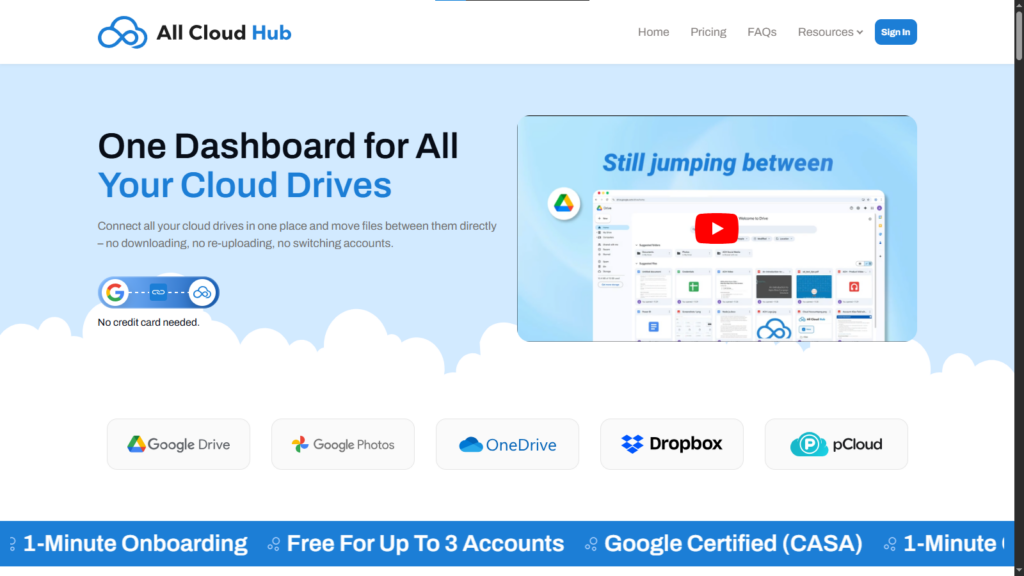
All Cloud Hub is a cloud storage management platform that brings Google Drive, OneDrive, Dropbox, pCloud, iCloud Drive, iCloud Photos, Google photos, MEGA, and Backblaze B2 into a single centralized dashboard. The core use case is the one MultCloud handles awkwardly on its free plan: ongoing file access and management across multiple accounts without constant context-switching between browser tabs and separate logins.
The key difference from MultCloud’s free tier is the pricing model, not the cap itself.
All Cloud Hub’s free plan includes 5GB of monthly transfer, making it an excellent starting point for managing files across multiple cloud storage accounts. As your needs grow, you can upgrade to the Power User plan for higher transfer limits and additional features.
Pricing: All Cloud Hub uses a freemium model with a free plan (connect upto 3 accounts & 5GB/month transfer) and a single paid “Power User” plan at ~$4/month (billed annually) offering unlimited accounts, faster transfers, and advanced sync features.
Who it’s best for: individual professionals and freelancers, who primarily live in Google Drive, OneDrive, Dropbox, and/or iCloud Drive and iCloud Photos and want a cleaner way to access and organize files across those cloud storage without the meter running on every transfer.
Honest limitation: MultCloud supports 30+ cloud services. All Cloud Hub currently focuses on Google Drive, Google Photos, iCloud Drive, iCloud Photos, OneDrive, Dropbox, pCloud, MEGA, and Backblaze B2 – but that means it covers almost every majorly used cloud platforms by individuals and all sorts of freelancers.
Works well for
- No data transfer caps
- Clean unified web dashboard
- Google Drive, Google Photos, iCloud Drive, iCloud Photos, OneDrive, Dropbox, pCloud, MEGA, and BackBlaze B2 coverage
- No desktop software to install
- Individuals and freelancers
- Mobile app for both Android and iOS
Limitations
- Fewer integrations than MultCloud’s 30+
- Not suited to enterprise workflows
cloudHQ – Best Free Option with No Data Cap
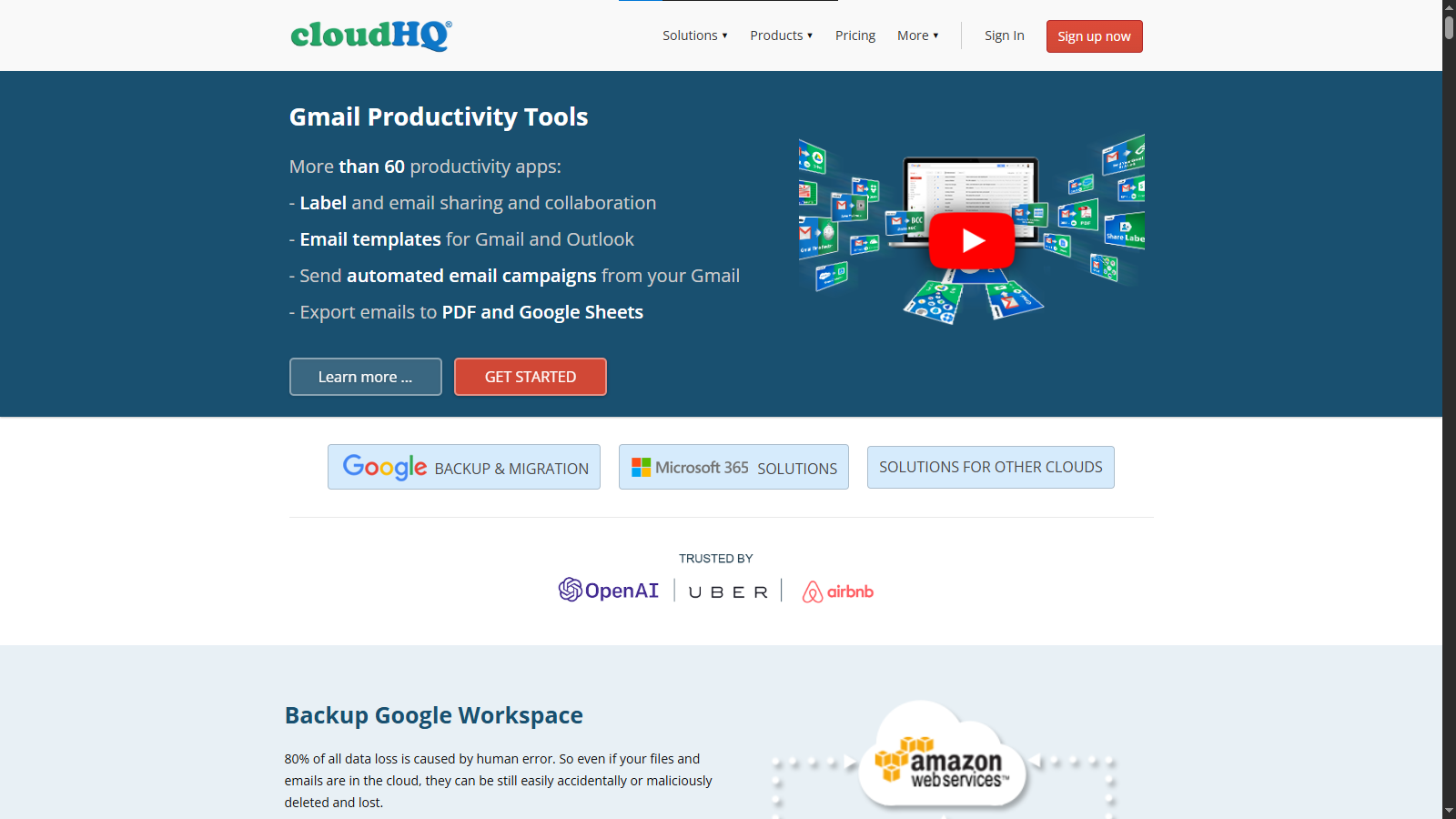
cloudHQ is the one of the most-cited free alternative to MultCloud after All Cloud Hub across the comparison landscape, and for one specific scenario, the recommendation is clear, if you need continuous, unlimited syncing between free-tier cloud accounts and you don’t want to pay anything, cloudHQ is a good option.
The free plan allows unlimited data transfers and unlimited account connections but with an important caveat that most roundups bury in a footnote: the unlimited data only applies to free cloud storage accounts.
If you’re syncing a personal Google Drive (free tier) to a personal Dropbox (free tier), you’re genuinely unlimited. If you’re syncing a Google Workspace business account or a paid Dropbox Business account, you’ll need a paid cloudHQ plan.
Just like All Cloud Hub, cloudHQ supports both one-way and two-way sync, which means it’s useful for both ongoing backup (one-way: source → destination, destination can’t overwrite source) and true mirror sync (two-way: changes in either direction are reflected). This is more flexible than many alternatives at the same price point.
Limitation that matters: cloudHQ has no desktop app and no mobile app. Everything runs through the web interface. For users who want to use their cloud storages from one dashboard on mobile devices, All Cloud Hub is the strongest option available right now.
On pricing: cloudHQ’s Business plan is priced for teams, not individuals, reported at $159/month, which makes it one of the most expensive options in this comparison at the paid tier. The free plan is excellent; the jump to paid is steep.
Works well for
- Unlimited transfers only is you use free cloud accounts
- 2FA + GDPR compliance on free plan
- Continuous background syncing
Limitations
- No desktop or mobile app
- “Unlimited” only applies to free cloud accounts
- Business plan is expensive for solo users
Air Explorer – Best Desktop Alternative to MultCloud
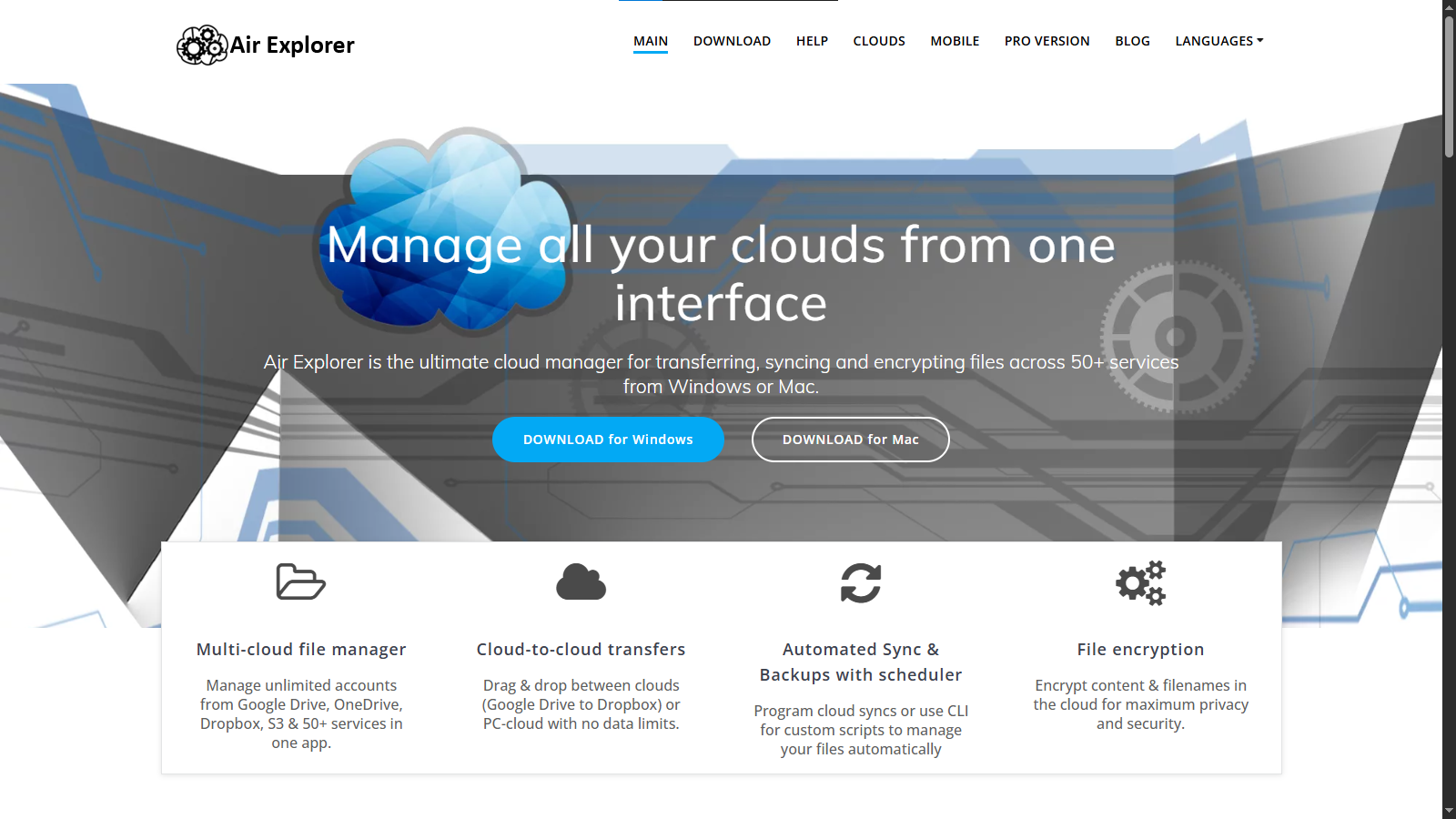
If you want a simpler way to manage all your cloud storage accounts from one place, Air Explorer is a good option following All Cloud Hub.
It’s a native desktop application for Windows and Mac that connects to 50+ cloud services. The interface uses a dual-pane layout that should feel immediately familiar to anyone who’s used a traditional FTP client or file manager. Files in your Google Drive, Dropbox, OneDrive, and dozens of other services all appear as browsable folders in a single window.
On data caps: Air Explorer processes transfers directly between your machine and the cloud services there’s no middleman server imposing a monthly quota. This is an architectural advantage over browser-based tools whose free tiers are metered at the platform level.
Air Explorer uses a one-time license model rather than a subscription. For users who prefer to pay once rather than subscribe indefinitely, this is a meaningful differentiator.
The security argument for a desktop app is genuine: your OAuth tokens and cloud credentials live on your local machine, not on a third-party server. If Air Explorer’s servers were ever compromised, your cloud account connections wouldn’t be at risk they’re never stored there.
Important limitation: Air Explorer requires software installation on each device you want to use it from. If you switch between a work laptop, a home computer, and occasionally access your files from a browser, Air Explorer’s desktop-only nature becomes a constraint. For multi-device, browser-accessible workflows, the web-based options are more practical.
Works well for
- Desktop file-explorer interface
- No platform-level data caps
- 50+ cloud services
- One-time license payment
- Local credential storage
Limitations
- No web interface
- Requires installation on each device
- Not suitable for multi-device/browser access
Rclone – Best Free Open-Source Option for Technical Users
Rclone is the most-recommended free alternative to MultCloud across tech community sites and crowd-sourced lists, and it genuinely deserves that position, for the right audience. If you’re a developer, sysadmin, or power user who is comfortable with a command-line interface, Rclone is extraordinarily capable. It supports 70+ cloud providers, imposes no data caps, is entirely free and open source, and can be scripted into automated workflows that GUI tools would find difficult to replicate.
If you need to schedule nightly backups from a server to an S3 bucket, sync a local NAS to multiple cloud destinations simultaneously, or build a custom cloud migration pipeline with error handling, Rclone is the right tool and nothing on this list comes close.
If that description doesn’t sound like you, Rclone probably isn’t your answer. There is no graphical interface, no scheduling wizard, no drag-and-drop. Setup requires editing configuration files and running commands in a terminal. For individuals, professionals and small business owners, Rclone is a wrong fit that happens to top many “best free alternatives” lists because it’s technically superior, not because it’s accessible.
Directed recommendation: If you’re a non-technical user looking for a MultCloud replacement, skip Rclone and look at All Cloud Hub. If you’re a developer or sysadmin who already lives in the terminal, Rclone’s documentation is good and the tool is free.
Works well for
- Free and open source
- 70+ cloud providers
- No data caps
- Full scriptability and automation
- Developers and sysadmins
Limitations
- No graphical interface
- Requires command-line comfort
- Not suitable for non-technical users
- No scheduling wizard or visual task builder
RiceDrive – Budget-Conscious Alternative with Unlimited Data Plans
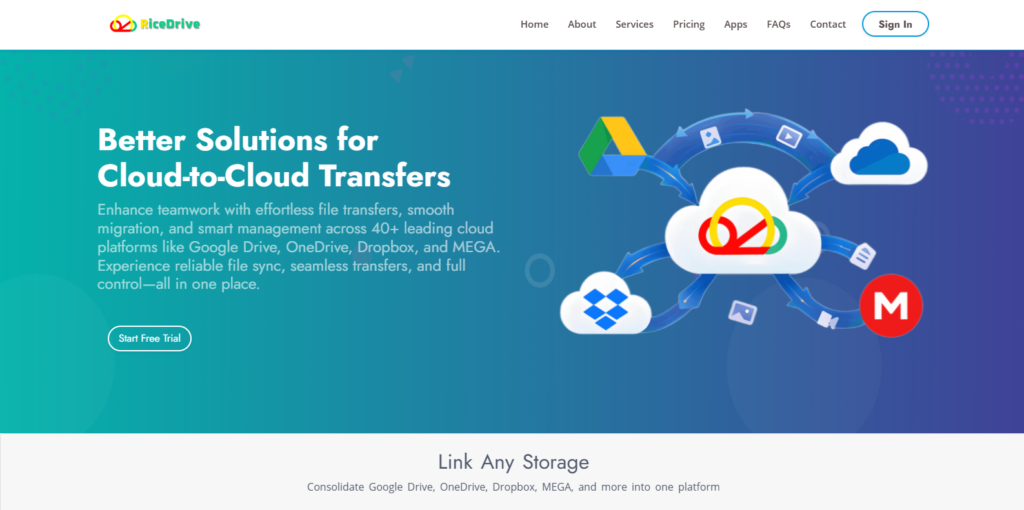
RiceDrive is a web-based cloud management service that positions itself directly against MultCloud on two specific points: price and data caps. Unlike MultCloud’s tiered annual data allowances, RiceDrive offers a monthly unlimited traffic plan at a price point that RiceDrive claims is significantly lower than MultCloud’s equivalent tier.
RiceDrive offers an optional security advantage by allowing users to store OAuth authorization tokens locally on their device rather than on its servers. This can reduce exposure risk in case of a server breach, but since RiceDrive also supports server-side authorization and both platforms rely on OAuth tokens (not passwords), the real-world security difference depends on how each service manages token handling and encryption.
Honest caveat: RiceDrive is less established than cloudHQ or MultCloud. Independent third-party reviews are more limited, and most of the legitimate ones don’t seem to recommend it.
Works well for
- Monthly unlimited data plan
- Competitive pricing vs. MultCloud
- Local token storage (privacy)
- Large dataset migrations
Limitations
- Fewer cloud integrations than MultCloud
- Less established, fewer independent reviews
- Web-only interface
Which MultCloud Alternative Is Right for You?
Every cloud management tool has its strengths, but the right choice depends on how you actually work with your cloud storage. For most users, the biggest considerations are the cloud services they use, whether they prefer a web or desktop experience, the amount of data they transfer, and whether they need features beyond simple file migration.
Choose All Cloud Hub if
- You regularly work across Google Drive, iCloud, OneDrive, pCloud, MEGA, Dropbox, Google Photos or BackBlaze B2.
- You want a single dashboard to manage multiple cloud accounts instead of switching between different apps and browser tabs.
- You are looking for a universal search option where you can look through all your drives at one go.
- You need scheduled transfers and file synchronization for everyday workflows.
- You want access from both your desktop browser and dedicated Android or iOS apps.
- You prefer predictable pricing with cloud management features designed for individuals and freelancers.
Choose cloudHQ if
- Your primary requirement is unlimited syncing between free cloud accounts.
- You mainly work within the Google Workspace ecosystem.
- You don’t mind using a web-only platform without a desktop or mobile app.
Choose Air Explorer if
- You prefer managing cloud storage through a Windows or Mac desktop application.
- A File Explorer-style interface is more important than browser accessibility.
- You prefer purchasing a lifetime desktop license instead of paying a subscription.
Choose Rclone if
- You’re comfortable using the command line.
- You need scripting, automation, and complete control over cloud storage operations.
- You’re a developer, system administrator, or advanced technical user.
Choose RiceDrive if
- Your priority is moving very large amounts of data at the lowest possible monthly cost.
- Local OAuth token storage is an important requirement.
- You’re comfortable using a newer platform with a smaller user base.
Security Considerations Before Choosing a MultCloud Alternative
Cloud management platforms require permission to access your storage accounts, so security should be part of your decision, not an afterthought. Beyond comparing features and pricing, it’s worth checking how each platform protects your connected accounts.
Does the platform use secure authentication?
Modern cloud management services should connect using OAuth rather than asking for your cloud storage passwords directly. This allows you to authorize access securely while maintaining control through your cloud provider.
Does the MultCloud alternative encrypt your data during transfers?
Whenever files move between cloud services, the transfer should be protected with encryption in transit. This helps safeguard your data while it travels between connected cloud accounts. Like other reputable cloud management platforms, All Cloud Hub uses encrypted connections to help ensure secure file transfers across supported cloud services.
Does it offer additional account protection?
Features such as two-factor authentication (2FA) provide another layer of security by requiring a second verification step when signing in. All Cloud Hub supports 2FA, giving users additional protection for their cloud management account alongside secure cloud authentication.
Does the platform receive regular updates?
Cloud services evolve constantly, and so do security requirements. Choosing an actively maintained platform ensures continued compatibility with major cloud providers while benefiting from ongoing security improvements and feature updates.
Conclusion
Choosing a MultCloud alternative is less about replacing a single tool and more about aligning with how you actually work with cloud storage. Once transfers become frequent, large, or ongoing, limitations like fixed monthly quotas and interface constraints stop being minor inconveniences and start shaping your entire workflow.
Each option in this space solves a different version of that problem. Some prioritize unlimited syncing, others focus on desktop control or technical flexibility. The right choice depends on whether you value automation, simplicity, local control, or cost efficiency.
For users who spend most of their time across Google Drive, iCloud, OneDrive, pCloud, MEGA and Dropbox, the bigger opportunity is simplifying daily access rather than just completing transfers. All Cloud Hub addresses that by bringing these services into a single, consistent environment where files can be managed without switching contexts or tracking usage limits. It shifts the focus from moving data occasionally to working with it continuously.
In the end, the most effective alternative is the one that reduces friction in your routine, not just the one that removes a single limitation.
Frequently Asked Questions
1. Which MultCloud alternative supports the most commonly used cloud storage services?
If your workflow revolves around popular cloud platforms rather than dozens of niche providers, All Cloud Hub offers one of the most practical combinations. It supports Google Drive, Google Photos, OneDrive, Dropbox, iCloud Drive, iCloud Photos, pCloud, MEGA, and Backblaze B2, covering the services most individuals and businesses rely on every day.
2. Which MultCloud alternative is best for managing multiple cloud accounts every day?
If you regularly access files across several cloud storage accounts, look for a solution that does more than transfer files. All Cloud Hub provides a centralized dashboard where you can browse, organize, sync, schedule transfers, and manage supported cloud accounts without constantly switching between different cloud apps or browser tabs, making it well suited for ongoing cloud management.
3. What features should I look for in a MultCloud alternative?
The best MultCloud alternative should offer more than cloud-to-cloud transfers. Look for support for the cloud services you use most, scheduled transfers, file synchronization, strong security practices, a simple interface, mobile accessibility, transparent pricing, and reliable performance. Platforms like All Cloud Hub combine these capabilities into a single solution, making them suitable for users who manage multiple cloud storage accounts on a regular basis.
4. Which MultCloud alternative has a mobile app?
Not every MultCloud alternative offers mobile access. Many tools focus exclusively on web or desktop experiences, while some do not have dedicated mobile apps at all. If being able to manage your cloud storage on the go is important, All Cloud Hub is one of the few alternatives that provides dedicated apps for both Android and iOS. Along with its web platform, you can access Google Drive, Google Photos, OneDrive, Dropbox, iCloud Drive, iCloud Photos, pCloud, MEGA, and Backblaze B2, manage files, monitor transfers, and stay connected to your cloud storage from virtually anywhere.