
All Cloud Hub provides access to both free and paid features depending on your subscription status.
This article explains how subscription-related actions work without referencing specific prices.
Viewing Subscription Status
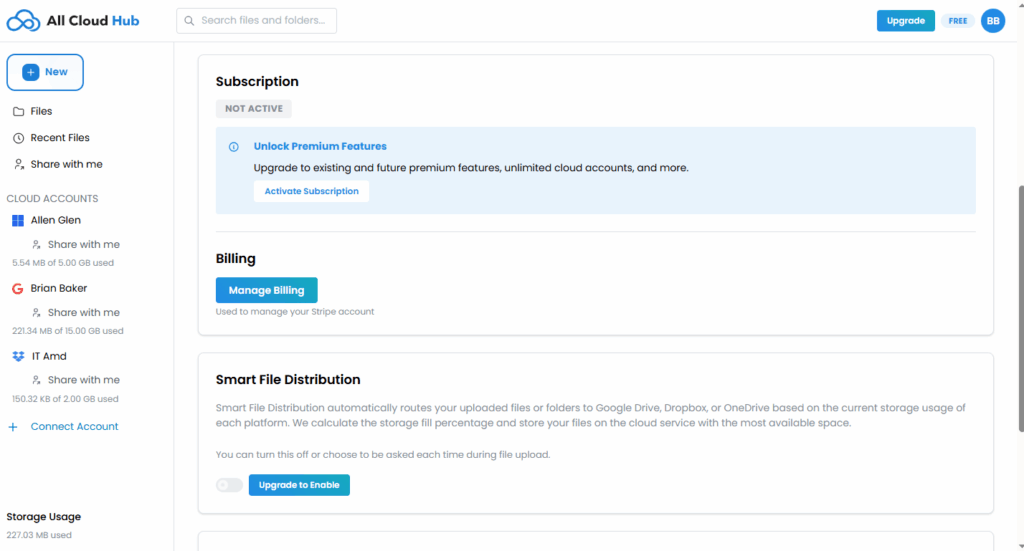
Your subscription status is visible in the Settings section of the Profile page.
If no subscription is active, this section indicates that premium features are not currently enabled.
Upgrading Your Plan
If you are on the Free plan, you will see an Upgrade option in the top-right corner of the dashboard.
Clicking Upgrade opens the plan selection screen, where you can choose a different plan.
The help center does not list plan prices, as they may change over time.
Note
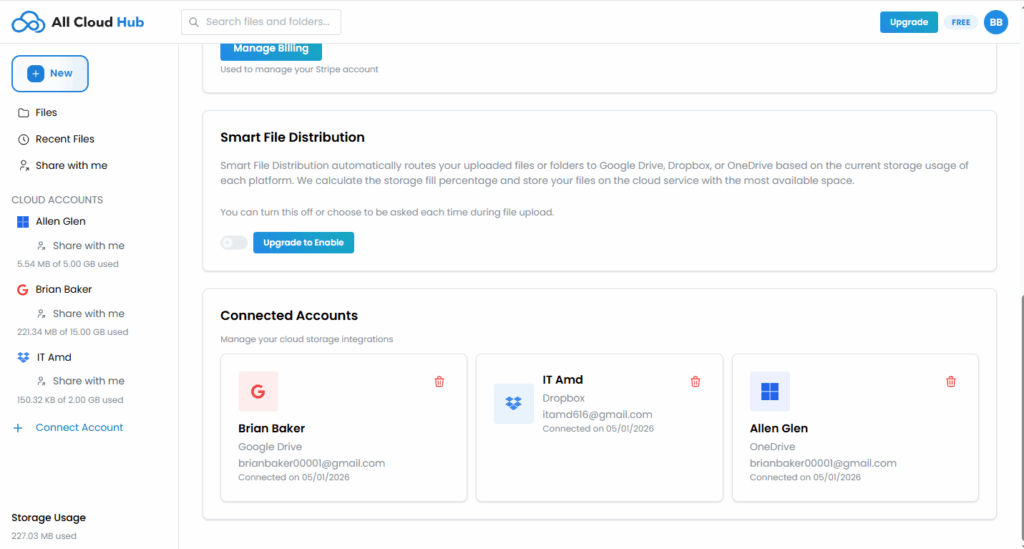
Upgrading unlocks additional capabilities such as connecting more cloud accounts and accessing premium features.
Managing Billing
In the Billing section, you will find a Manage Billing option.
This takes you to the billing management interface where you can manage your subscription details.
Billing is handled securely through the payment provider.
In Summary
Subscription and billing options are accessible from your Profile page and the Upgrade button in the dashboard header.