
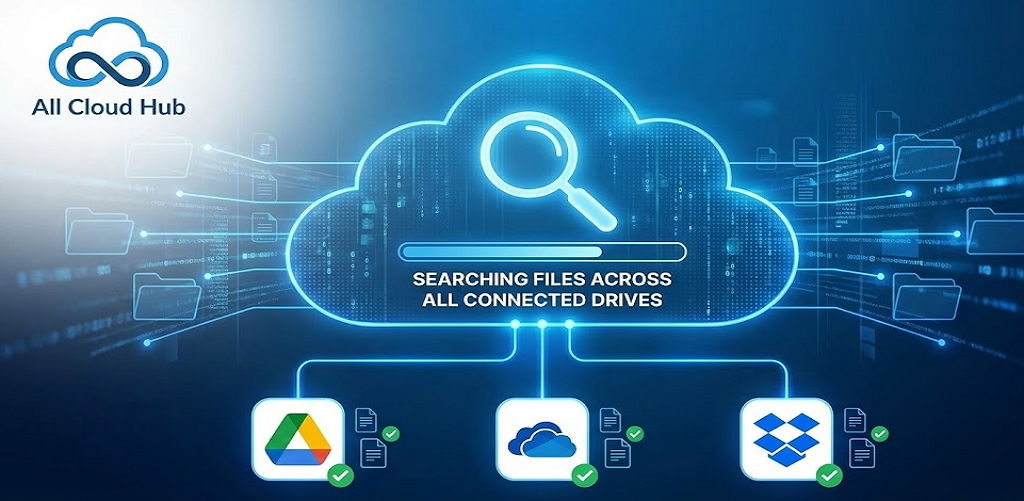
All Cloud Hub includes a built-in search that helps you find files and folders across your connected cloud storage accounts from one place.
Search is available directly inside FilesVerse, so you can look for files without opening individual cloud apps.
Where to Find Search
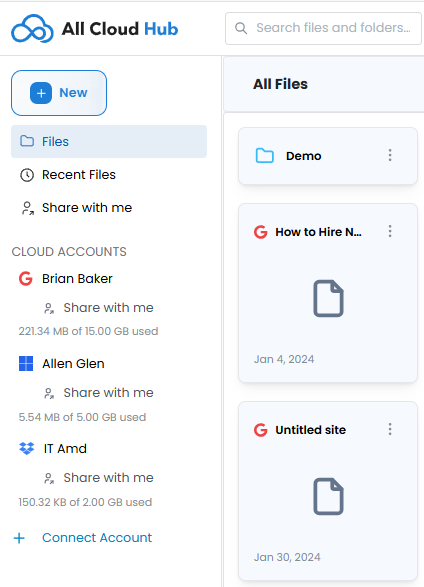
The search bar is located at the top of the dashboard and is labeled “Search files and folders”.
It remains visible while you are in the Files view, making it easy to start a search at any time.
What Search Looks Through
When you use the search bar, All Cloud Hub searches across the files and folders that are visible in FilesVerse.
If the All Accounts filter is selected, search includes files from all connected cloud storage accounts. This allows you to search once and see results from multiple cloud providers together.
Note
Search respects the current account filter. If you narrow the view to a specific cloud account, search results reflect that selection.
Search Results in FilesVerse
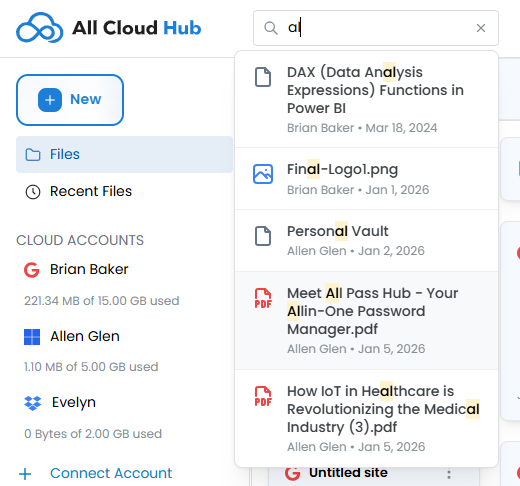
Search results appear directly in the main file area, replacing the standard file list.
Results follow the same visual structure as the Files view:
- Files and folders appear together
- Each item includes a visual indicator of its source cloud
- You can recognize where a file comes from at a glance
This keeps search results consistent with how you normally browse files.
Working with Search Results
Files and folders shown in search results can be interacted with directly.
From the search results view, you can select files and take actions such as organizing or transferring them, just as you would from the regular Files view.
You do not need to exit search to work with the files you find.
Clearing or Changing a Search
To change your search, you can update the text in the search bar.
To return to browsing all files, clear the search input. FilesVerse then returns to showing the full file list based on the current account filter.
Why Unified Search Matters
When files are spread across multiple cloud storage accounts, finding the right file often means repeating the same search in different apps.
FilesVerse search removes that repetition by letting you search once and see results from all connected accounts in one place. This saves time and reduces context switching, especially when you are not sure which cloud a file lives in.
In Summary
Search in All Cloud Hub lets you find files and folders across connected cloud storage accounts from a single search bar.
Results appear directly inside FilesVerse, remain clearly labeled by source cloud, and can be acted on immediately. This makes search a natural extension of how you browse and manage files across clouds.
Next:
Understanding File Ownership and Source Cloud: How All Cloud Hub shows where files come from and what happens when files are copied or moved across clouds.