
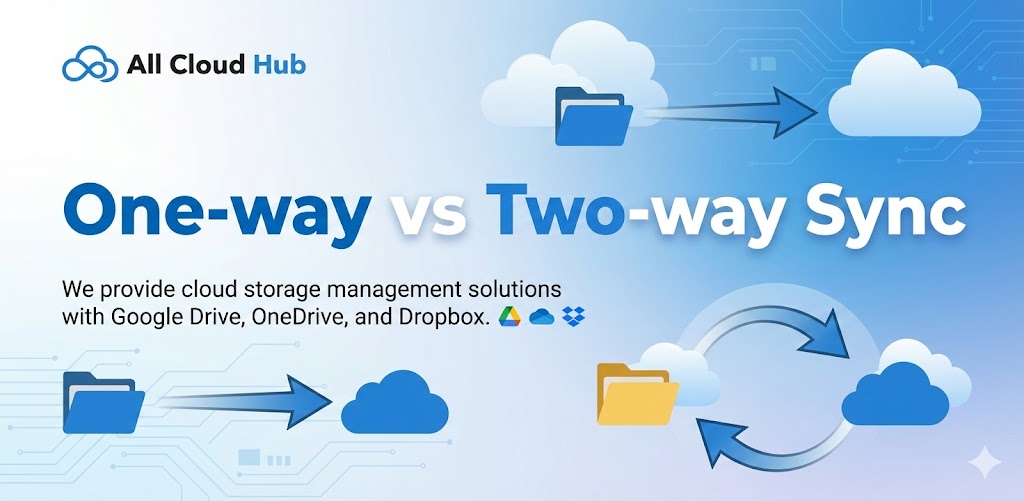
Understanding the sync direction helps avoid unexpected changes.
All Cloud Hub currently supports two-way sync.
Two-Way Sync Explained
In two-way sync, changes made in either connected folder are reflected in the other.
For example:
- A file added in Cloud A appears in Cloud B
- A file updated in Cloud B updates in Cloud A
- Renaming a file in either folder applies to both
This allows you to work from either cloud storage account without worrying about which one is the source.
Tip
Two-way sync works best when both folders are meant to stay identical.
One-Way Sync
One-way sync is not currently supported.
If one-way behavior is needed, it can be achieved manually using transfers instead of sync.
In Summary
All Cloud Hub uses two-way sync so folders remain aligned regardless of where changes are made.
Next: Best Practices for Folder Structure.