
Your All Cloud Hub account settings help you manage your profile details, connected services, and subscription access from one place.
All account-related options are available from your profile menu.
Accessing Your Account Settings
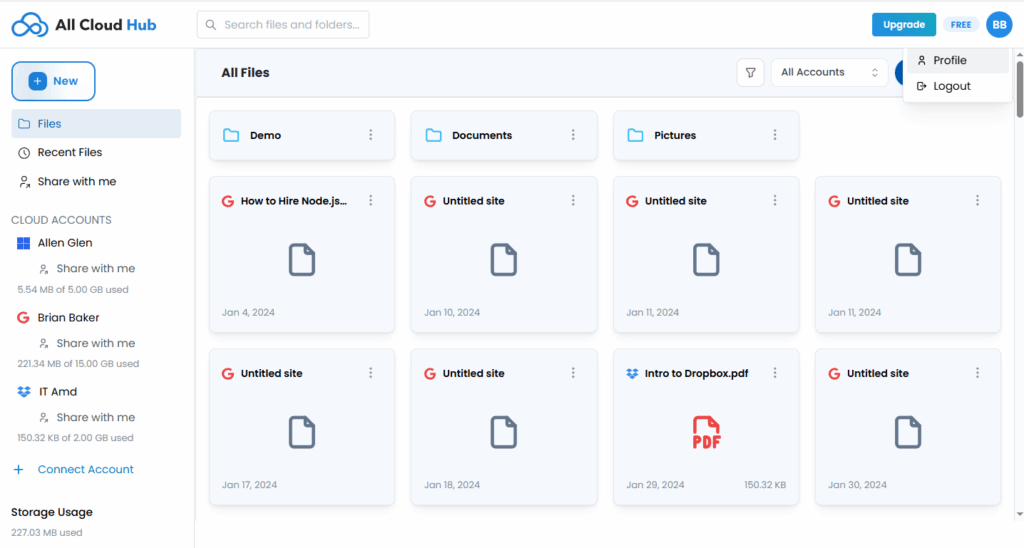
In the top-right corner of the dashboard, you will see an icon with your initials.
Clicking this icon opens a menu with the following options:
- Profile
- Logout
Select Profile to open your account and settings page.
Profile Details
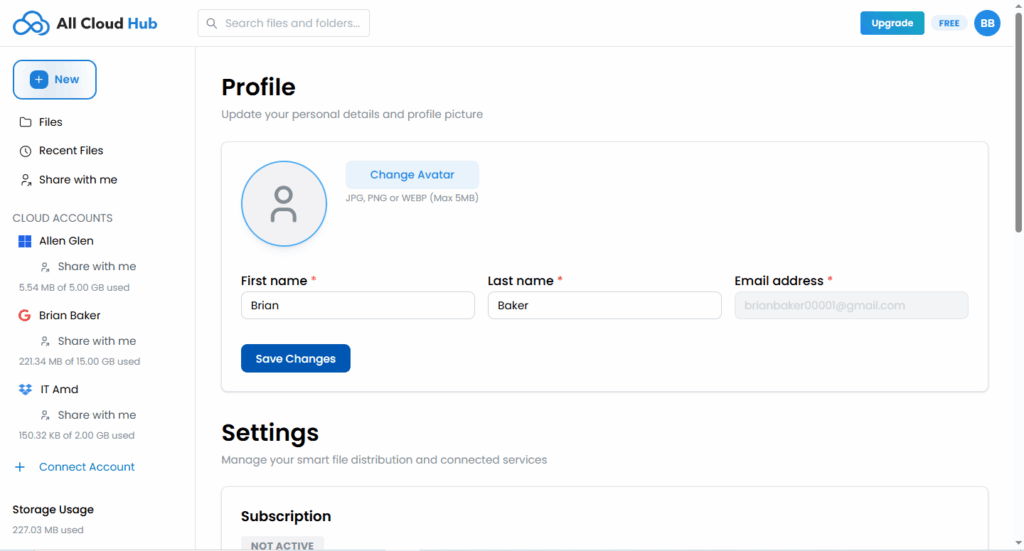
The Profile section allows you to manage your personal information.
From this page, you can:
- Update your first name
- Update your last name
- View your email address
- Change your profile avatar
After making changes, click Save Changes to apply them.
Note
Your email address is shown for reference and cannot be edited from this page.
Logging Out
To sign out of All Cloud Hub:
- Click your profile icon in the top-right corner
- Select Logout
This logs you out of your current session safely.
In Summary
Your account profile lets you manage personal details and access account-level options from a single location.