
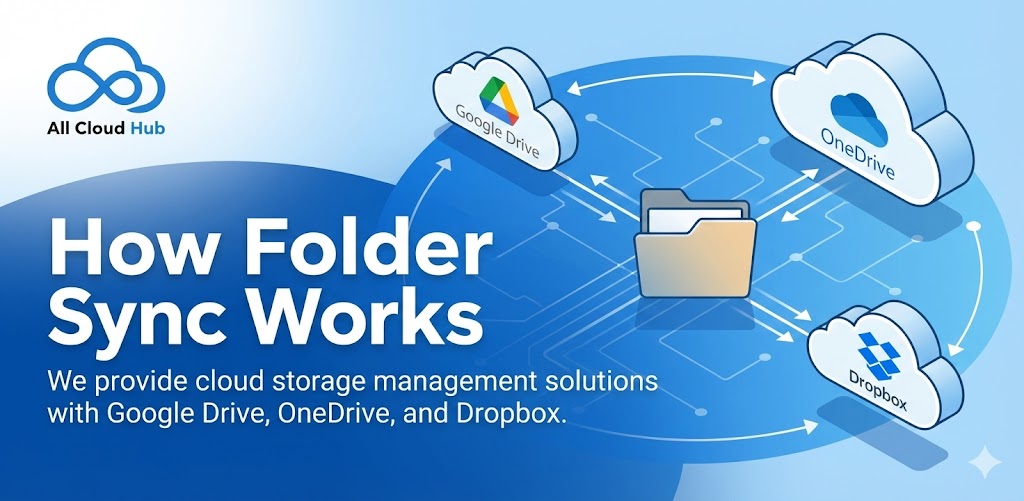
Folder sync in All Cloud Hub helps you keep folders aligned across multiple cloud storage accounts.
When sync is enabled, changes made in one folder are reflected in the connected folder on another cloud storage account. This allows you to work from either location while keeping both folders consistent.
What Sync Connects
Sync works at the folder level.
You select a folder from one cloud storage account and link it with a folder from another cloud storage account. Once linked, these folders are kept in sync based on the sync rules.
Files outside synced folders are not affected.
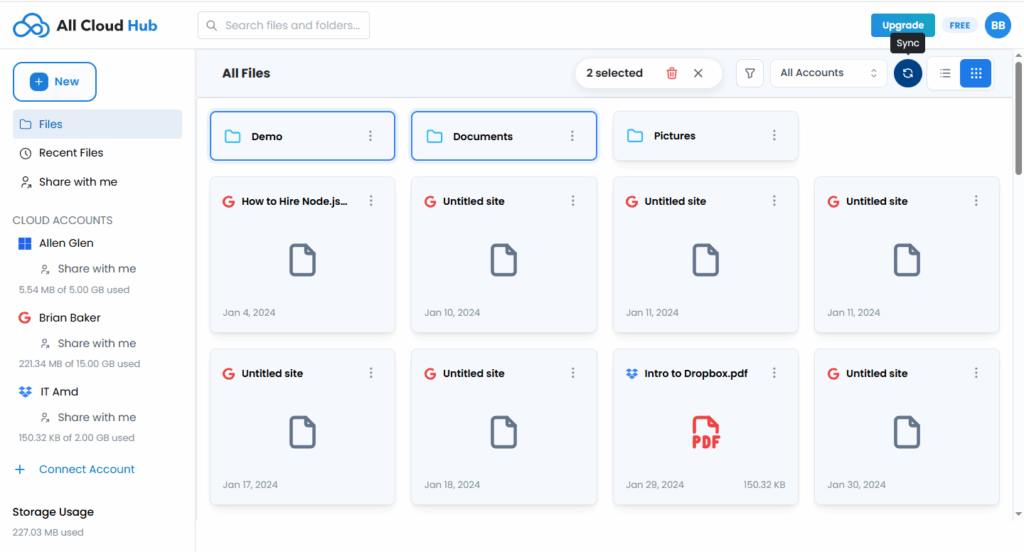
How Changes Are Synced
When a change happens in a synced folder, All Cloud Hub detects the update and applies the same change to the connected folder.
This includes:
- Adding new files
- Renaming files or folders
- Updating existing files
Sync helps ensure that both folders reflect the same structure and content.
Note
Sync only applies to the folders you explicitly connect. All other files and folders remain unchanged.
Where Sync Is Managed
Synced folders are managed from the Sync section in the dashboard.
From there, you can:
- View active sync connections
- Check sync status
- Stop or remove sync when needed
In Summary
Folder sync in All Cloud Hub keeps selected folders aligned across cloud storage accounts so you do not need to manually update files in multiple places.
Next: One-Way vs Two-Way Sync.