
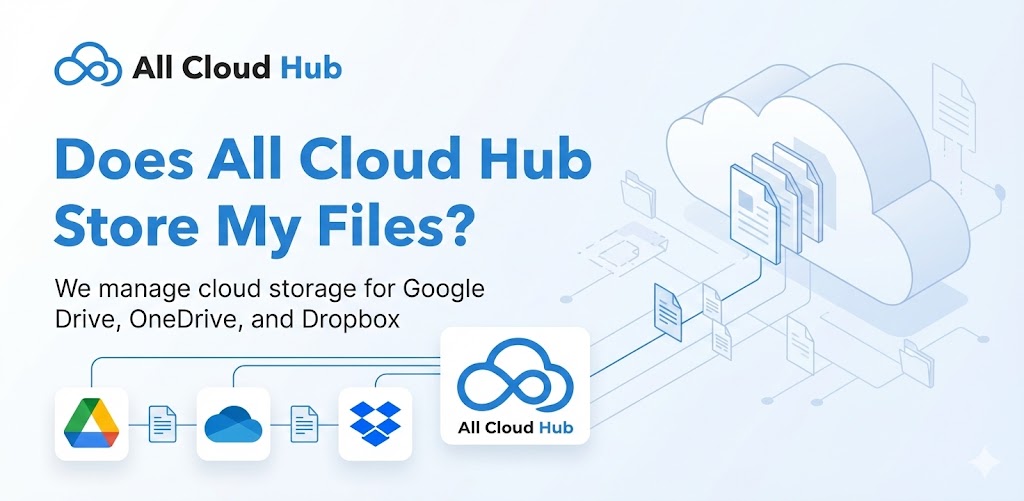
No. All Cloud Hub does not store file contents or create permanent copies of your data.
This is one of the most common questions users have, and the answer is simple.
Where Files Actually Live
All files shown in FilesVerse live in your connected cloud storage accounts.
All Cloud Hub does not upload files into its own storage or create permanent or hidden copies.
What All Cloud Hub Temporarily Handles
All Cloud Hub temporarily handles only the minimum file metadata required to display details and perform actions, such as:
- File name
- File path
- File size
This metadata is used to show files correctly, track progress, and manage operations inside the dashboard.
Note
File contents are never stored or retained by All Cloud Hub.
Temporary Data
Any temporary metadata or session data used during active tasks is automatically cleared once the task is completed or the cloud account is disconnected.
In Summary
Your files always stay in your cloud storage accounts. All Cloud Hub does not store your files. It only temporarily handles limited metadata required for functionality, and removes it once tasks are completed.