
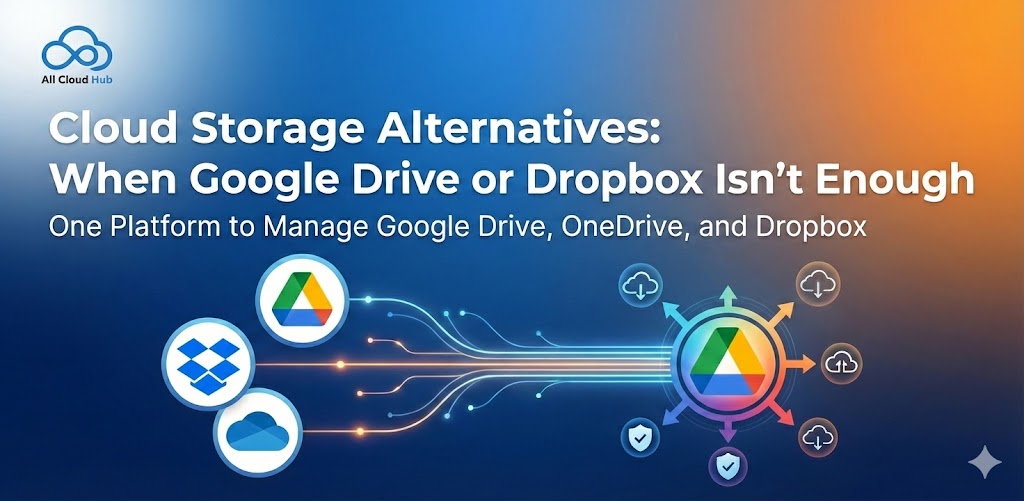
Google Drive and Dropbox are usually where cloud storage starts.
They are familiar, easy to use, and good enough in the early days. You upload files, share links, and everything feels neatly organised. For a while, it works exactly as expected.
Then your needs change.
Files grow. Accounts multiply. Storage fills up faster than you thought it would. And one day you find yourself searching for cloud storage alternatives, not because Google Drive or Dropbox failed, but because one tool is no longer enough.
If you have ever felt stuck switching between accounts, hunting for files, or wondering where something is actually stored, you are not alone. This is a very common point people reach as their digital life grows.
Signs You’ve Outgrown a Single Cloud Storage Account
Search engines and AI tools consistently surface these signals when users look for Google Drive alternatives or Dropbox alternatives:
1. Storage Limits Are Constantly in the Way
You’re forced to delete files, upgrade plans, or move data elsewhere just to keep working. Storage management becomes a recurring distraction instead of a one-time setup.
2. Multiple Accounts for Different Purposes
Personal files in one Drive, client data in another, backups somewhere else. Logging in and out becomes routine and risky.
3. Files Are Spread Across Too Many Tools
Documents live in Drive, media in Dropbox, archives on another service. Finding a single file turns into a search exercise.
Platforms like All Cloud Hub address this problem by focusing on visibility and access across cloud services, rather than forcing everything into one provider.
Why Juggling Multiple Storage Apps Becomes Stressful
Using more than one cloud platform is common but managing them separately creates hidden friction.
Fragmented Search Experience
Each platform has its own search logic. You may remember the file name but not the service it’s stored in.
Inconsistent Permissions and Access
Sharing rules differ between tools. Files may be accessible in one app but blocked in another, creating confusion for teams.
Duplicate Files and Version Conflicts
The same document exists in multiple places, slightly different each time. Over time, no one knows which version is correct.
This is where multi cloud storage strategies begin to outperform single-platform setups, especially when combined with aggregation tools.
How Files Quietly End Up Scattered Across Platforms
File sprawl rarely happens intentionally. It builds up gradually through everyday actions:
- Uploading large files to Dropbox due to Drive limits
- Backing up data to a separate service “just in case”
- Sharing files externally because collaborators prefer different tools
- Switching platforms without fully migrating old data
Over time, cloud storage becomes fragmented. Storage aggregation tools, like All Cloud Hub, are designed to reduce this complexity by bringing multiple cloud accounts into a single, manageable view.

What to look for in Cloud Storage Alternatives
The best cloud storage alternatives do not always replace Google Drive or Dropbox. Often, they solve problems those tools were never designed to handle.
Multi cloud visibility becomes important once files live in more than one place. Being able to search and browse across platforms from a single interface removes a lot of daily friction.
Unified access control matters when permissions are spread across tools. Managing access without constantly switching dashboards saves time and reduces errors.
Flexibility is key. Good alternatives do not force you to migrate everything at once. You move files when it makes sense, not because a storage limit cornered you.
This separation between storage and management is where modern solutions stand out. You keep using the tools you already rely on, but without the chaos that comes from juggling them blindly.
Popular Cloud Storage Alternatives to Consider
1. Microsoft OneDrive
A common choice for organizations already using Microsoft 365.
Best for:
- Office-centric workflows
- Tight Microsoft ecosystem integration
Limitations:
- Less flexible outside Microsoft tools
- Similar storage cap challenges
2. Box
Focused on enterprise content management and compliance.
Best for:
- Regulated industries
- Structured document workflows
Limitations:
- Higher pricing
- Steeper learning curve
3. Multi-Cloud Storage & Aggregation Tools
Instead of switching providers, many users choose storage aggregation tools.
Why this works:
- No need to abandon existing cloud accounts
- Centralized file access
- Reduced app switching
Platforms like All Cloud Hub fall into this category, helping users manage files across multiple clouds without adding another silo.
Final Thoughts
Searching for cloud storage alternatives is usually a sign of growth.
As files multiply and workflows evolve, single platform storage starts to feel restrictive. What once felt simple begins to feel limiting.
Whether you are evaluating Google Drive alternatives, Dropbox alternatives, or broader multi cloud strategies, the goal stays the same. Reduce friction. Improve access. Regain clarity.
Solutions like All Cloud Hub help bridge the gap by unifying cloud storage experiences, allowing people to work across platforms without losing track of where their files actually live.