
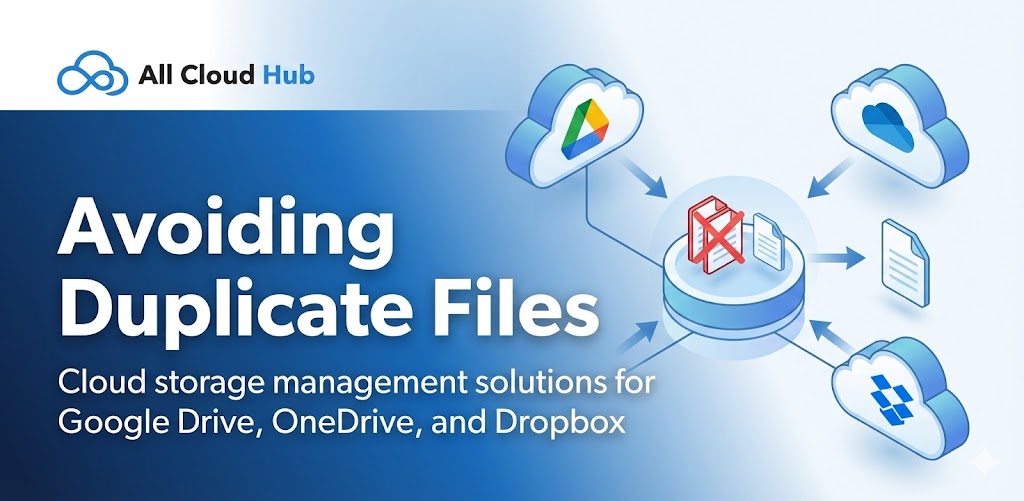
Duplicate files are a common issue when working across multiple cloud storage accounts.
All Cloud Hub gives you tools to reduce duplication if used thoughtfully.
Choose Copy or Move Carefully
When transferring files:
- Use Copy if you need the file in both locations
- Use Move if the file should exist in only one cloud
Being intentional about this choice prevents unnecessary duplicates.
Warning
Copying files creates separate versions. Changes made to one copy do not affect the other unless the folder is synced.
Use Sync Instead of Repeated Copies
If files need to stay updated in more than one cloud, use folder sync instead of copying files repeatedly.
Sync ensures changes stay aligned and avoids manual duplication.
Watch for Similar File Names
When files from different clouds have the same name, it can be hard to tell them apart.
Use clear naming conventions or folder separation to reduce confusion.
In Summary
Avoiding duplicate files comes down to choosing the right action. Use copy intentionally, move when relocation is needed, and rely on sync when files must stay aligned.